
JPG · PNG · WEBP · PDF · CBZ · CBR — up to 20 MB
Paste with Ctrl+V, drop a file, or paste an image link
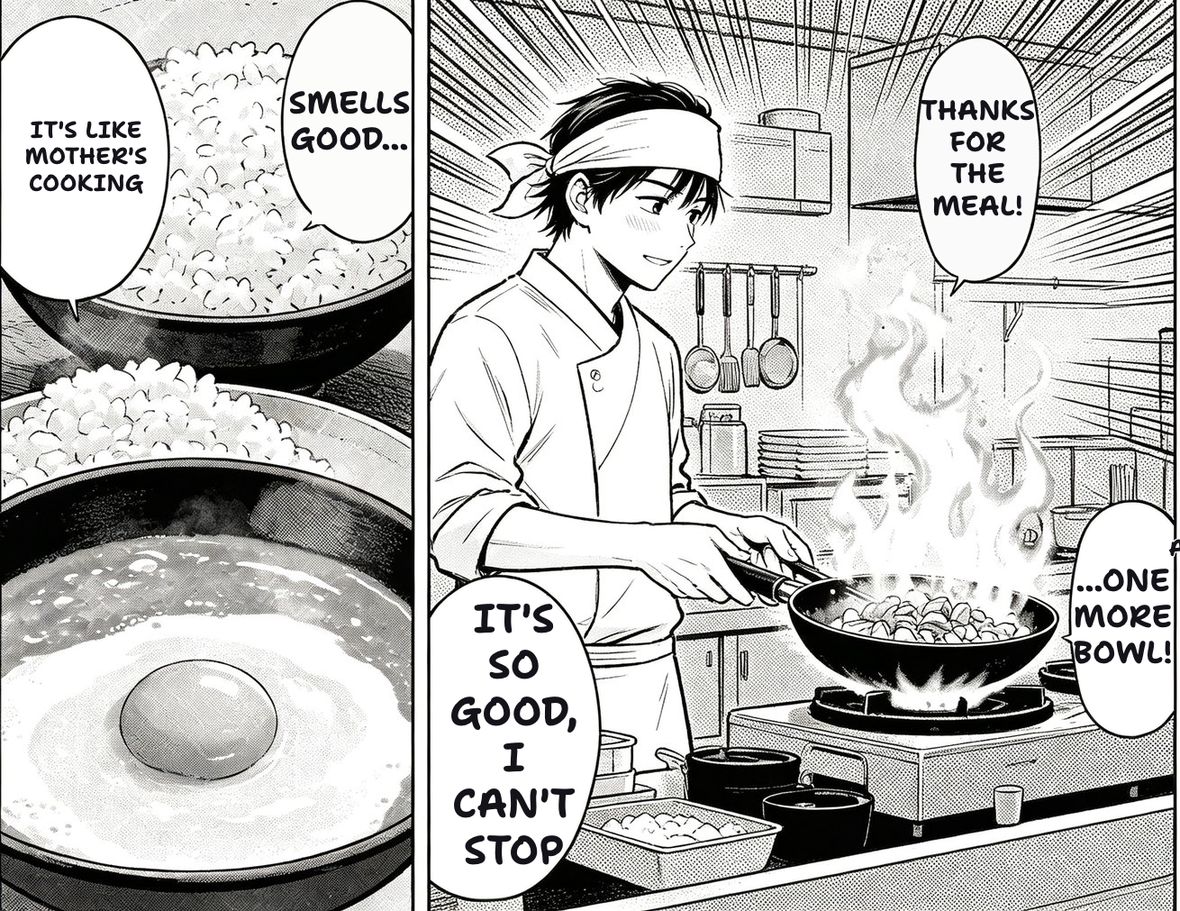
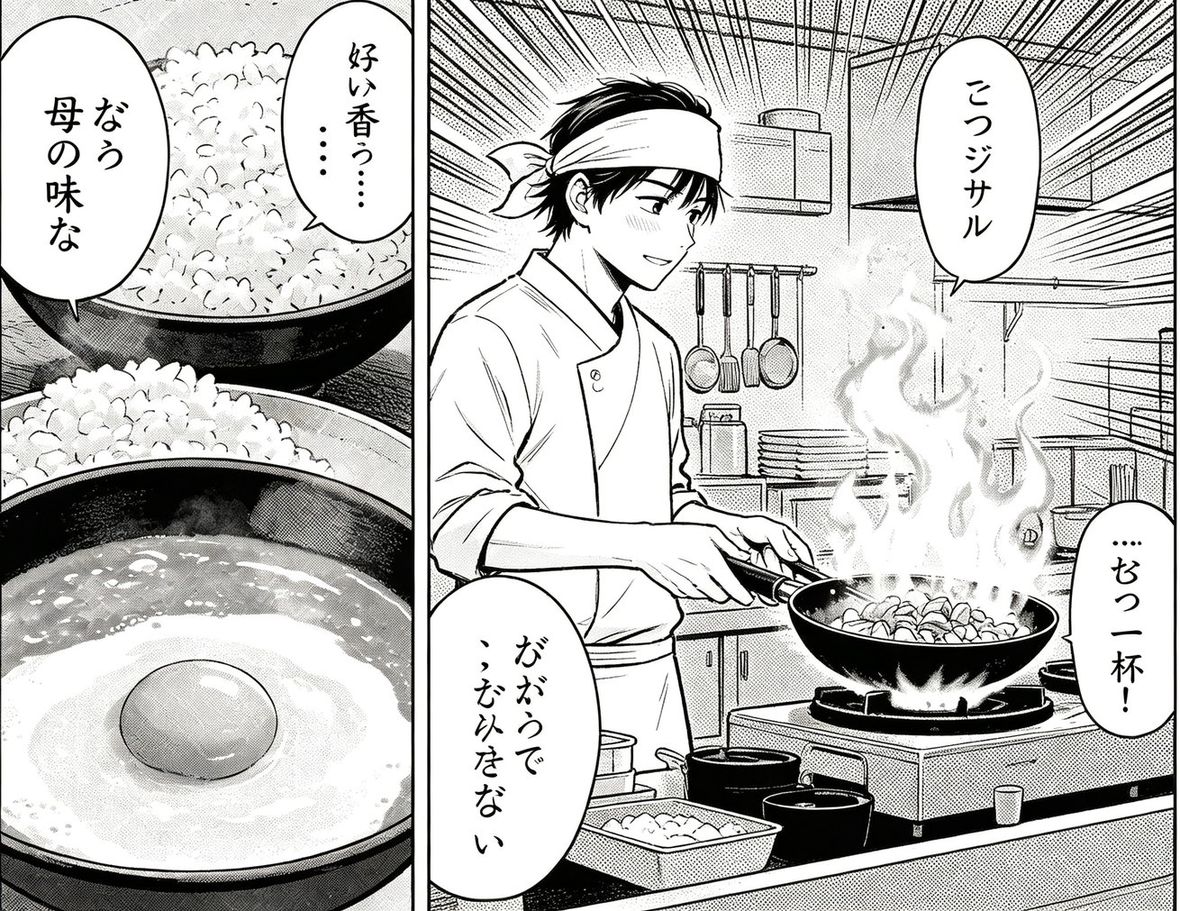
Take a screenshot, press Ctrl+V on this page and it translates. No saving a file, no picking it out of a folder. The text goes back where it was, so the layout still makes sense.


Paste with Ctrl+V, drop a file, or paste an image link
Windows Snipping Tool, macOS Shift+Cmd+4, a game overlay - anything that puts an image on the clipboard works with Ctrl+V.
You get a readable screenshot, not a list of strings you have to map back onto the picture yourself.
Right-click any image on any page and translate it without leaving the page. The extension shares this account and balance.
Paste a URL instead of an image and we fetch the picture for you, which also gets around viewers that block right-click.
Nothing to install and nothing to sign up for.
Take the screenshot however you normally do, then press Ctrl+V (Cmd+V on a Mac) anywhere on this page. There is no need to save it first.
Yes. Stylised UI fonts are the usual failure point rather than the language - dialogue boxes and menus read reliably, heavily stylised logos often do not.
Not yet. The browser extension covers the common case: right-click an image anywhere and translate it in place.
Yes. Paste the link instead of the image and we fetch it server-side.