Drop a page here, or click to browse
JPG · PNG · WEBP · PDF · CBZ · CBR — up to 20 MB
JPG · PNG · WEBP · PDF · CBZ · CBR — up to 20 MB
Paste a screenshot or an image link anywhere on this page — or try one:
Translate to:Order:
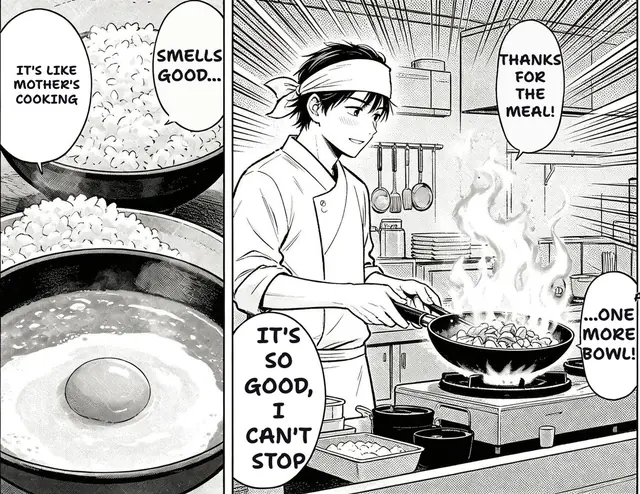
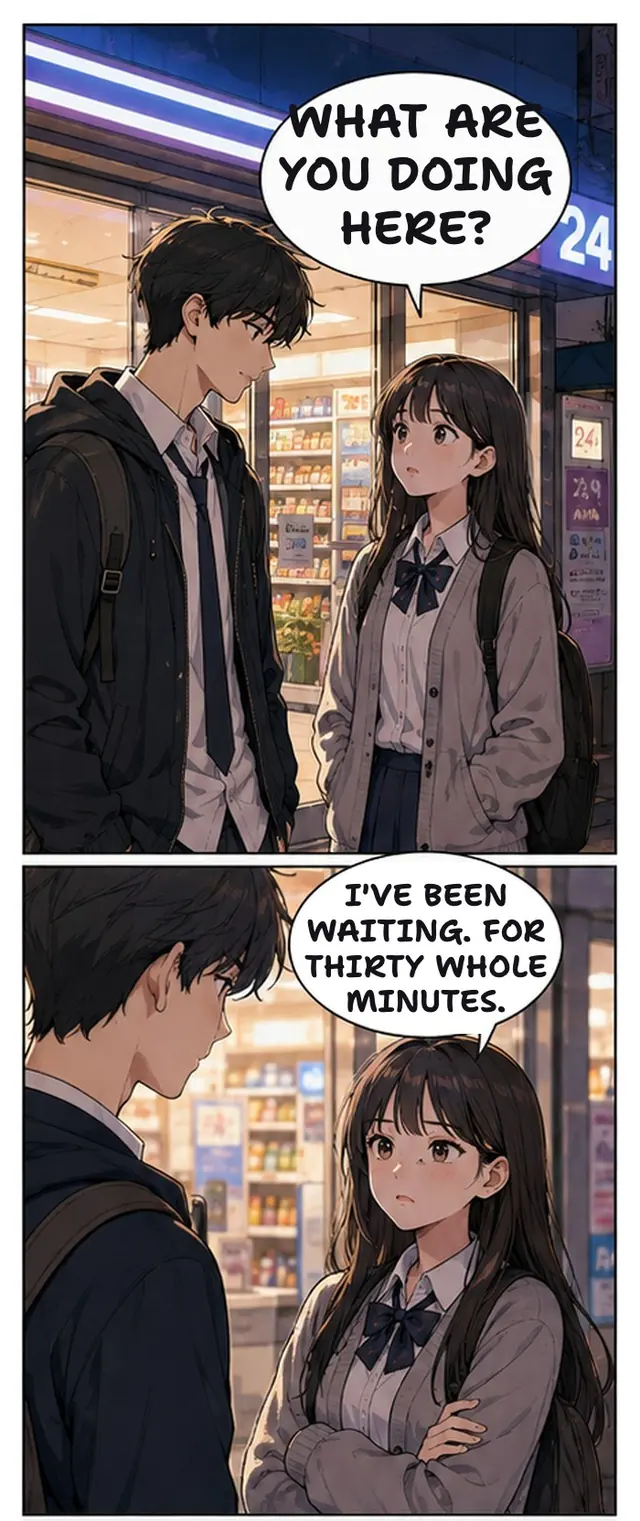
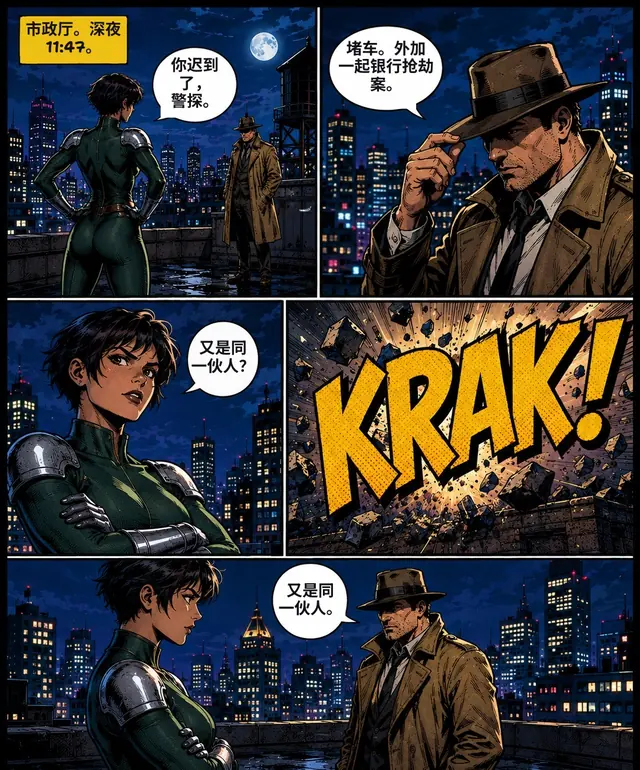
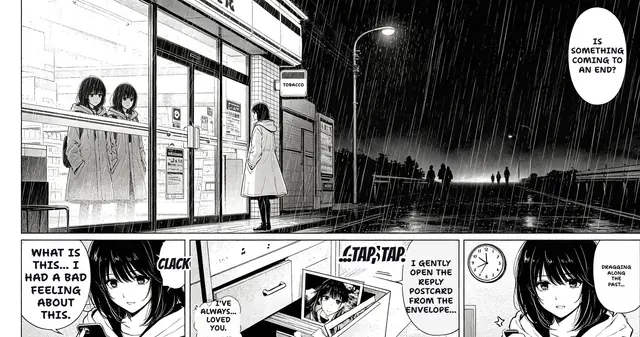
A free manga translator online: upload manga, manhwa or comic pages and get them back with the original art, balloons and lettering intact — translate manga to English or 30+ other languages from Japanese, Korean and Chinese.
The extension does the same thing without leaving the page you're on.
Drop one page, a folder or a CBZ. Or right-click any manga image on a page and pick Translate with TranslateMyManga.
Vertical Japanese text, Korean speech bubbles and Chinese SFX are all handled. Context carries across panels, so pronouns and honorifics stay consistent.
Continuous scroll, original layout, original art. Export to CBZ if you want to keep it.
Most manga translators stop at "upload one image, download one image." Reading a series needs more than that.
Batch a folder or ZIP and get 18–40 pages back in reading order. No uploading page by page, no losing your place.
The browser extension translates on the site you're already on — the reader you use doesn't change.
Long-strip manhwa is sliced and re-stitched, not chopped into squares. Vertical scroll stays vertical.
Draw a box over a missed bubble and the model reads just that region for one credit. Then click any balloon to edit the text, resize it or drag it, and brush away anything left over — all free, in the browser.
Character names and terminology stay consistent across chapters — the thing machine translation gets wrong first.
Buy once, use them whenever the next volume comes out. No subscription that bills you between releases.
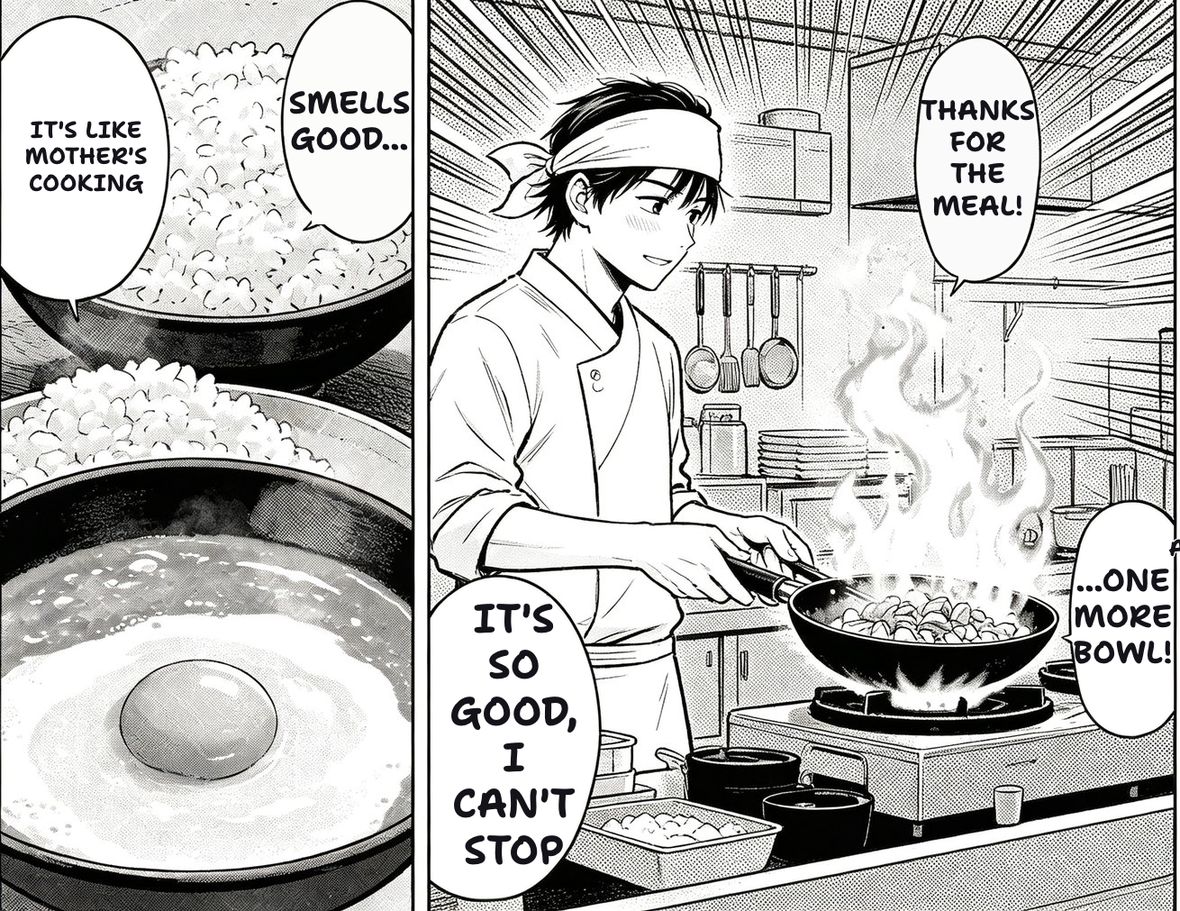
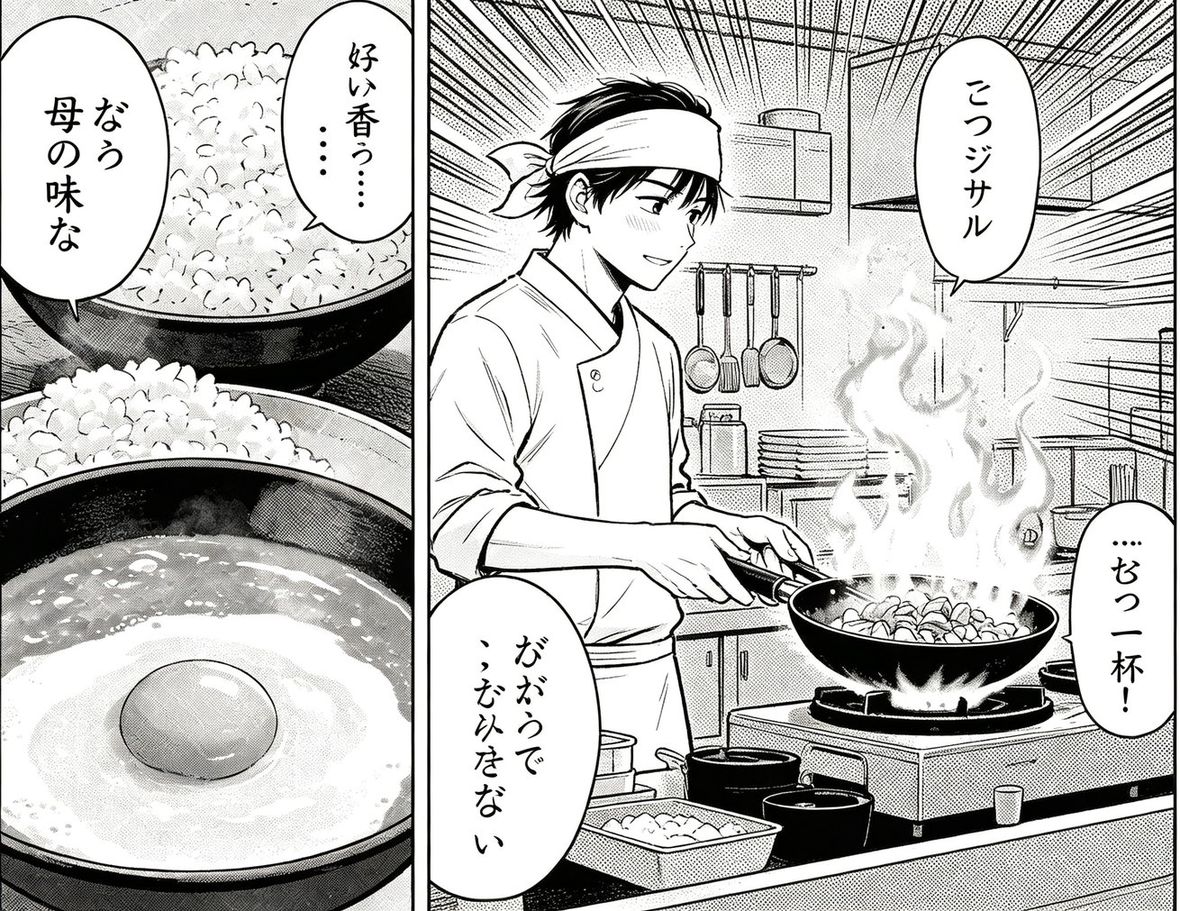
Real output from the tool, not mock-ups. Open a page to drag the before/after divider yourself.
Phone OCR and browser translate were built for menus and web pages. A manga page breaks most of what they assume.
Four situations that come up over and over.
You bought the Japanese or Korean edition and there is no version in your language. Translate the pages to read them yourself.
Manhwa and manhua reach Spanish, Portuguese, Turkish and Indonesian far later than English, when they arrive at all. Translating from Korean or Chinese directly skips the double hop.
You drew it, so there is nothing to argue about. Run the whole chapter, fix lines by hand, publish in two languages.
Read the original next to the translation. Comics give you natural spoken register with the visual context attached — something a textbook cannot do.
Detection and translation get the attention. These six are what separates a usable page from a technically translated one.
Repainting stops at the inside of the balloon. Cover the outline too and the page looks like someone stuck white labels on it — worse than leaving the original text alone.
English runs longer than Japanese, and the balloon was drawn for vertical text. Each balloon gets its own size, searched down from the largest that fits, hyphenating before it shrinks.
A line spread over two balloons is set at the same size in both, so it reads as one person speaking instead of two.
A character called 白夜 stays Byakuya in chapter 12 the same as chapter 1. Machine translation loses this first and readers notice it fastest.
Effects drawn into the artwork are redrawn where they sit with an outline, rather than dropped for being outside a balloon.
Illegible text comes back empty with the original left in place, instead of being replaced by a confident guess that happens to be wrong.
Three sample pages are built in, including a dense one with nine small balloons on a dark background — try them without an account. Sign in free for 30 pages of your own.
One account, one credit balance, every tool.
Reading a series? Batch a whole chapter in reading order instead of uploading page by page.
EXTENSIONRight-click any manga image and translate it where you are. Chrome, Edge, Kiwi.
WEBTOONLong-strip aware: sliced on gutters, translated, re-stitched. Vertical scroll stays vertical.
AIHow the bubble detection, text erasing and lettering pipeline actually works.
COMICWestern comics and BD: horizontal reading order, wider panels, different lettering.
DOUJINFan works with heavy handwriting and dense SFX — the hardest case for OCR.
SCREENSHOTPress Ctrl+V and it runs. Game overlays, chat apps, anything you can snip.
OCRWant the text, not a translated picture? Pull it out in reading order, vertical Japanese included.
ERASEClear the balloons and keep the art underneath intact. Included with Monthly and Yearly.
Japanese, Korean and Chinese sources are detected automatically. Pick any target below.
Yes — that’s the most common use. Upload a raw page, pick English, and the Japanese manga translator reads the vertical text right-to-left, translates every balloon with the whole page as context, and draws the English translation back into the balloons. Korean and Chinese raws work the same way.
The first 3 pages a day are free and don't need an account; sign up and you get 30 more. After that a credit pack starts at $4 — credits never expire, so you're not paying for months where nothing you read drops a new chapter.
Translating something you legally own for your own reading is generally fine in most places. Redistributing a translated copy of licensed work is not, and that part is on you, not on the tool. We're not lawyers and this isn't legal advice — if you're publishing anything, get the rights first. Official releases exist for most popular series and they're worth buying.
They can read the text, and for a single panel that's often enough. What they don't do is the other three quarters of the job: finding every bubble, working out the right-to-left panel order, erasing the original lettering and reconstructing the screentone behind it, then refitting the translation inside the bubble. You get a list of strings back, not a page you can read. That pipeline is what this tool is.
Usually because the tool translated bubble by bubble with no idea what came before. A sentence split across two balloons becomes two broken fragments; a character's name changes spelling between pages; politeness levels flip at random. We translate the page as a unit and pin names and terms across the whole chapter, which fixes most of it.
Install the browser extension and turn on auto-translate for the site you read on. Panels get translated as they scroll into view, so you never leave the reader. For a whole chapter at once, use the chapter translator.
Printed dialogue in clean bubbles is close to publishable. Handwritten margin notes and sound effects drawn into the art are the hard cases — those you'll sometimes want to fix by hand — draw a box over what was missed and the model reads just that region. That works on every plan, including free.
Yes. The site works on mobile browsers, and on Android the extension runs in Kiwi Browser. Firefox and iOS Safari builds are on the roadmap.
No. Upload a page or right-click an image and it works. An account only exists so your credits and your library follow you across devices.
There's a monthly plan with a high page ceiling. We don't advertise "unlimited" because every page costs us a model call — anyone promising unlimited is either rate-limiting you quietly or about to shut down.
Same thing. Manga translator, manga translater, manga translate, manga image translator, scan translator — people spell it every which way and they all mean the same job: take a page in Japanese, Korean or Chinese and give it back readable in your language.
The open-source projects are good and you should use them if you're comfortable running Python and have a GPU. This is for reading a chapter in a few seconds on your phone, on the site you're already on, with nothing to install.
Yes — batch upload a folder or ZIP with the chapter translator, which keeps reading order and exports back to CBZ.
Yes — long-strip chapters are handled natively. See the webtoon translator page.