Included with Monthly and Yearly

Remove text from a page
Clear the balloons, keep the art

Empty the speech balloons and captions on a comic page without painting a white box over the drawing. Detection and erasing both run on your own device, so the image never leaves it.

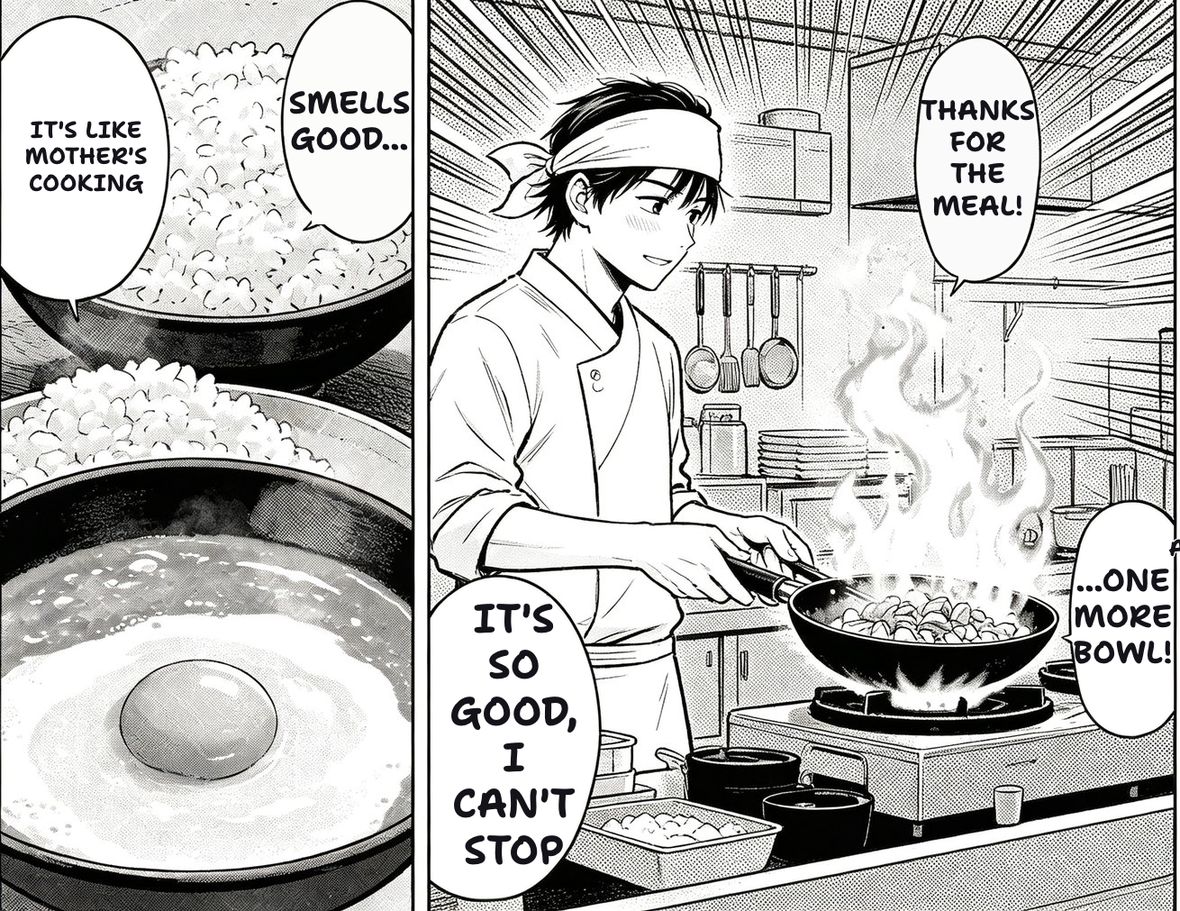
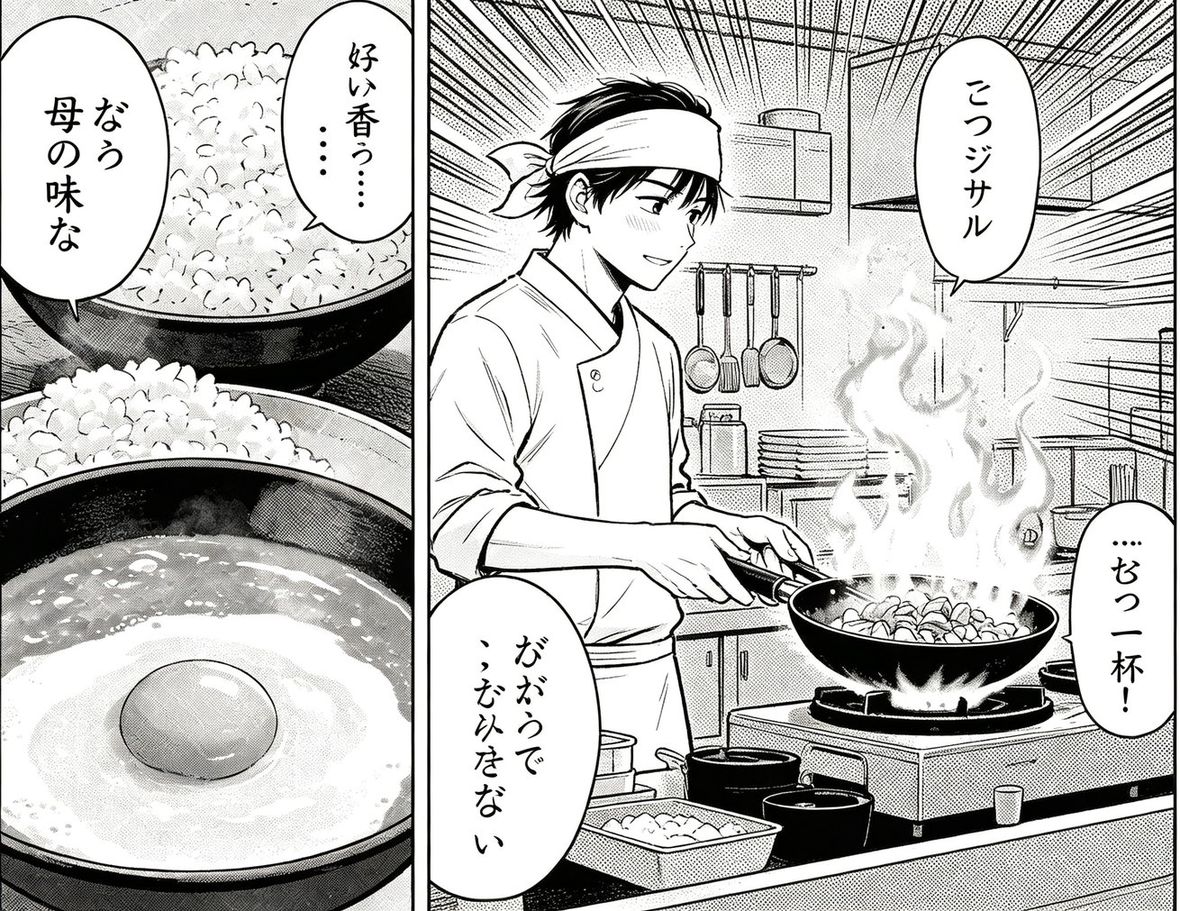
example · 日本語 → English6 BALLOONS
The same manga page after TranslateMyManga translated it into English.
The original Japanese manga page before translation.
RAW · 日本語TRANSLATED · English
An example page, not your upload — drag the divider to compare. Drop your own page in and this becomes your result.
Drop a page here, or click to browse
JPG · PNG · WEBP · PDF · CBZ · CBR — up to 20 MB
Paste a screenshot or an image link anywhere on this page — or try one:
Order:

JPG, PNG, WEBP - processed on your device, no credits used

What it does differently

01

Your page stays on your device

The whole job runs locally. Nothing is uploaded, nothing is stored, nothing to leak.

02

Balloons keep their outline

The eraser grows outward from inside the balloon and stops at the ink, so the outline and the tone behind it survive.

03

Text on the artwork is different

Text printed straight onto the drawing gets its strokes lifted instead of a box painted over it, so the linework underneath stays.

04

No per-use charge

Included with Monthly and Yearly plans, with no credit deducted per page - clear as many as you like.

Part of every subscription

Monthly and Yearly include text removal with no per-page charge.

See plans

Questions

Does it use up my pages?

No. Text removal is included with Monthly and Yearly plans and does not deduct credits, so you can clear as many pages as you need.

Do you see my images?

No. This tool processes the page on your own device; the image is never sent to us.

Why not just paint over the text?

Because that takes the artwork with it. A filled rectangle covers the balloon outline, the halftone, and whatever the text was sitting on.

Can I put my own text back in?

Yes — use the manga editor: it clears the balloons the same way, then lets you click each one and type, resize and drag your own lettering.