

JPG · PNG · WEBP · PDF · CBZ · CBR — up to 20 MB
JPG, PNG, WEBP — or paste an image with Ctrl+V.
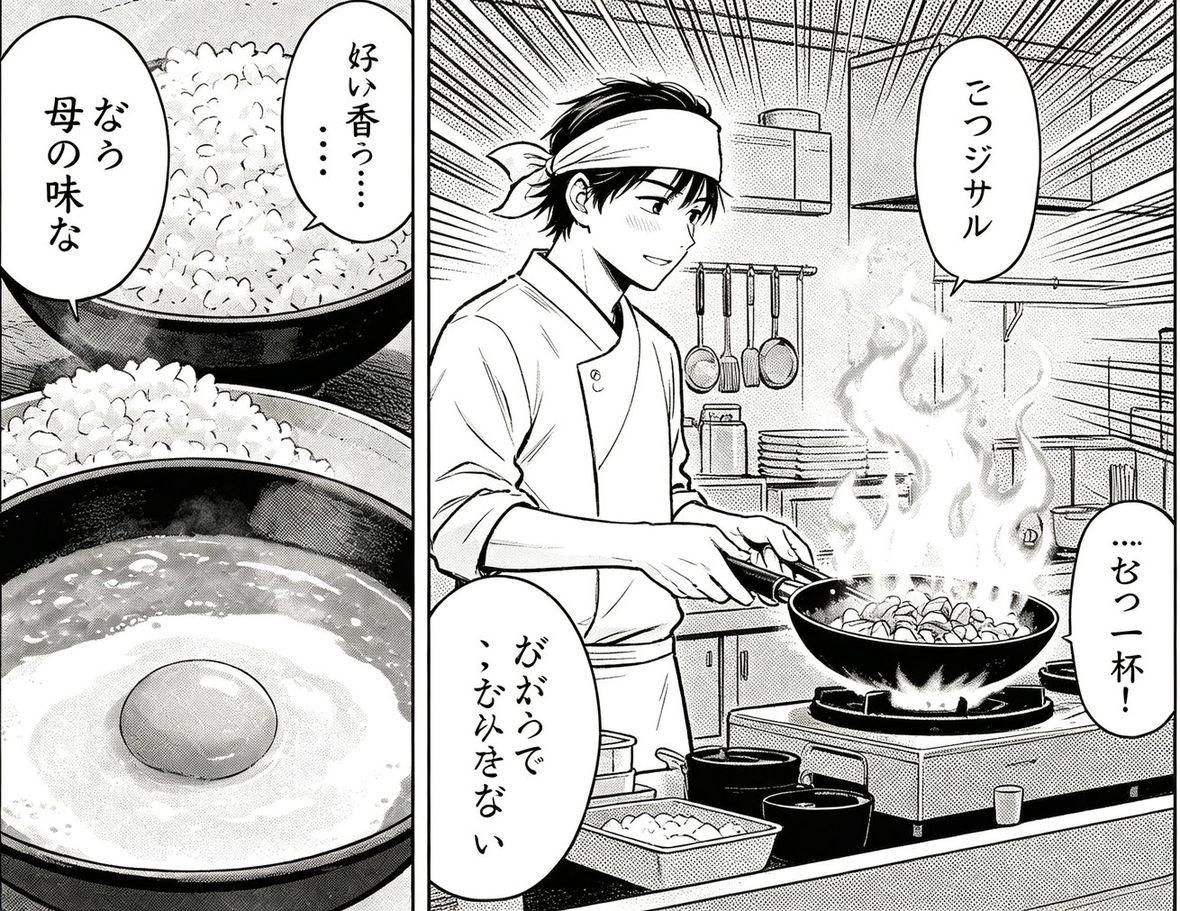
Upload a Japanese manga page you have permission to use and translate its dialogue into English or 30+ languages. Read the translated speech bubbles in place to understand what the characters are saying. Free to start.


JPG, PNG, WEBP — or paste an image with Ctrl+V.
Translate a page in three steps.
Choose an image you own or have permission to translate, or paste it into the tool.
Select English or another supported target language and start the translation.
Read the translated text on the page and correct any missed or inaccurate text.
Translations are drawn onto the image so speech bubbles stay alongside the artwork.
Translate Japanese, Korean or Chinese source text into English or another supported language.
Handwriting and stylised lettering can be difficult to detect. Review and edit the result when needed.
Upload a page you own or have permission to use, select your target language, and run the translator. The translated text is drawn back on the image.
Japanese source text can be translated into English or 30+ other languages.
Yes. Sample pages can be tried without signing up; see the pricing page for current allowances.
Yes, the tool handles vertical and horizontal Japanese text. Handwriting and stylised text may need correction.